A few years ago, blogging was simple.
Open your laptop.
Write a post.
Hit publish.
Done.
Not anymore.
Today, blogging is more like running a mini media company. You’re not just writing. You’re researching keywords, designing graphics, scheduling social posts, tracking analytics, replying to emails, and maybe even managing affiliate links.
And here’s the truth most beginners don’t realize:
Your laptop alone won’t keep up.
You need the right apps for bloggers to work smarter, not harder.
Think about this.
What happens when:
If you rely only on your desktop setup, you’re stuck.
But with the best apps for bloggers, your blog is always with you. In your pocket. On your tablet. In the cloud.
That’s powerful.
The right apps can help you:
And no — you don’t need 30 different tools.
You just need the right ones.
In this guide, I’ll share the best apps for bloggers — free and paid — that actually make a difference. These aren’t random recommendations. These are tools bloggers use daily to create, optimize, promote, and grow.
If you’re serious about blogging (even as a side hustle), this list will save you time, reduce overwhelm, and help you build a more professional workflow.
How I Chose These Apps for Bloggers
Before we dive into the list, let’s clear something up.
There are hundreds of apps out there.
Productivity apps. Writing apps. SEO apps. AI apps. “Game-changing” apps.
Most of them?
You don’t need them.
One of the biggest mistakes bloggers make is installing too many tools. It feels productive. But it actually creates confusion and slows you down.
So I kept this list practical and realistic.
Here’s what I focused on when selecting these apps for bloggers:
That’s it. No hype. No shiny tools just because they’re popular.
Every app in this guide helps with something specific — like writing better content, improving SEO, creating visuals, managing tasks, or tracking growth.
And here’s something important: “You don’t need all of them.”
Start simple.
One writing app, one SEO tool, one design app, and one productivity tool.
That’s enough to build a solid blogging system.
As your blog grows, your toolkit can grow too.
Best Writing & Content Creation Apps for Bloggers
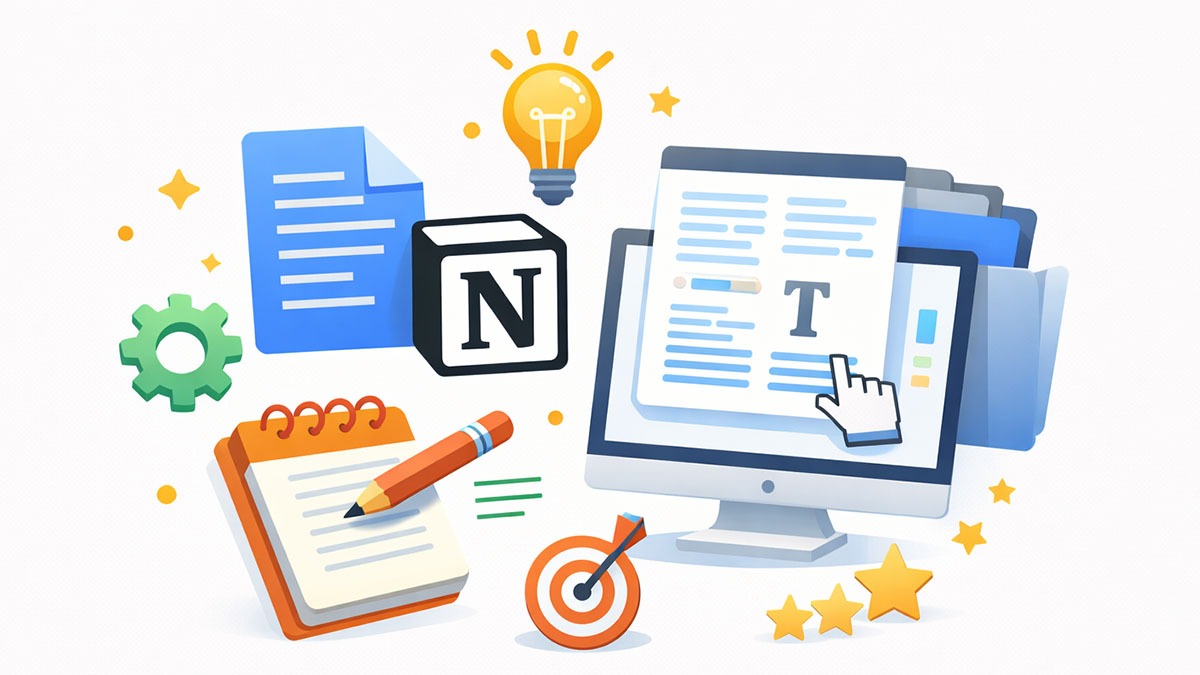
Writing is still the heart of blogging.
SEO matters. Design matters. Promotion matters.
But without solid content? Nothing works.
The good news is you don’t need expensive software to write great blog posts. Some of the best apps for bloggers in this category are either free or very affordable.
Let’s look at the essentials.

1. Google Docs
If you’re just starting out, this might be all you need.
Google Docs is simple, clean, and cloud-based. That means your work is saved automatically. No panic moments. No “file not found” disasters.
Why bloggers love it:
You can write from your laptop, edit from your phone, and access everything instantly.
For beginners, this is easily one of the best apps for bloggers.

2. Notion
Notion is more than a writing app. It’s like your blogging brain.
You can use it to:
If Google Docs is your writing desk, Notion is your entire office.
It does have a small learning curve. But once you get used to it, it can replace multiple apps.
Great for bloggers who want everything organized in one place.

3. Grammarly
Even experienced writers make mistakes.
Grammarly helps you:
It works inside browsers, Google Docs, emails — almost everywhere.
The free version is enough for most bloggers. The paid version adds style and tone suggestions.
If you want your posts to feel polished and professional, this is one of the most practical apps for bloggers.

4. Hemingway Editor
This tool focuses on one thing: readability.
It highlights:
If your blog targets beginners (like most blogs should), readability matters a lot.
Hemingway forces you to simplify. And simple writing usually performs better.
You don’t need all four.
If you’re just starting:
That combo alone can dramatically improve your content quality.
Once your workflow becomes more advanced, you can experiment with Notion or other tools.
Best SEO Apps for Bloggers
You can write the best blog post on the internet.
But if no one finds it?
It won’t matter.
That’s where SEO comes in.
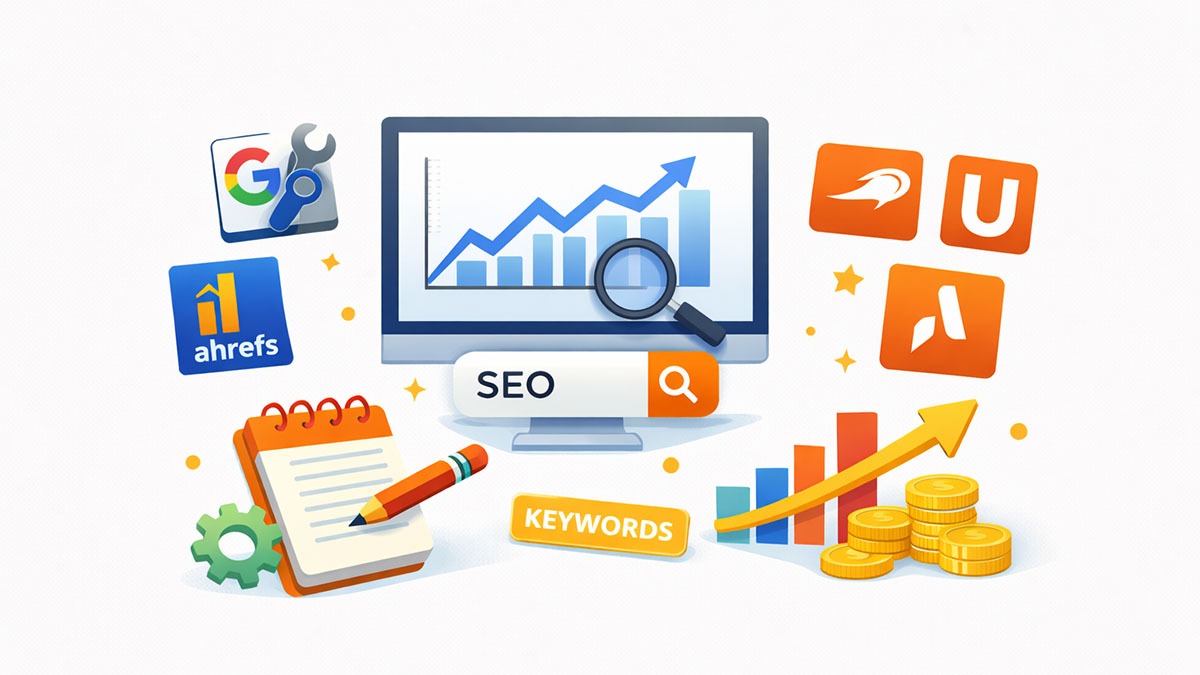
The right SEO apps for bloggers help you understand:
Let’s look at the essentials.

1. Google Search Console
If you install only one SEO tool, make it this one.
Google Search Console shows you:
It’s completely free.
And the data comes directly from Google. That alone makes it one of the best apps for bloggers who care about organic traffic.
Most beginners ignore it. Big mistake.

2. Ahrefs
Ahrefs is powerful.
It helps you:
It’s not cheap. But if you’re serious about growing traffic, it can be worth the investment.
For new bloggers, you can start with free tools. But once you begin earning, tools like Ahrefs can accelerate growth.

3. SEMrush
SEMrush is another all-in-one SEO platform.
Similar to Ahrefs, it offers:
Some bloggers prefer SEMrush’s interface. Others prefer Ahrefs. Both are strong.
You don’t need both. Pick one when you’re ready.

4. Ubersuggest
If Ahrefs and SEMrush feel overwhelming (or expensive), Ubersuggest is a good starting point.
It’s more beginner-friendly and budget-conscious.
You can:
For many new bloggers, this is a practical middle ground between free tools and premium platforms.
If you’re just starting:
That’s enough to understand your traffic basics.
As your blog grows, you can invest in advanced keyword tools.
SEO doesn’t have to be complicated. But ignoring it? That’s risky.
Best Graphic Design & Image Apps for Bloggers
A wall of text is boring.
Even the best-written blog post feels incomplete without visuals. Featured images. Pinterest pins. Infographics. Social banners.
The good news? You don’t need to be a designer.
These are some of the best apps for bloggers to create professional-looking graphics without hiring anyone.

1. Canva
If there’s one design app every blogger should install, it’s Canva.
It’s simple. Drag-and-drop. Beginner-friendly.
You can create:
The free version is more than enough for most bloggers. The Pro version unlocks premium templates and background remover.
For non-designers, Canva feels like a superpower.

2. Snapseed
Snapseed is a mobile photo editing app.
If you use original images in your blog (product photos, lifestyle shots, etc.), this app helps you:
It’s lightweight and easy to use.
Perfect for bloggers who manage everything from their phone.

3. Remove.bg
Ever tried removing a background manually?
Painful.
Remove.bg does it automatically in seconds.
This is especially useful if you:
Small tool. Huge time saver.
If you’re just starting:
That combination alone can make your blog look far more professional.
Best Social Media Apps for Bloggers
Publishing a blog post is only half the job.
The other half? Distribution.
If you don’t promote your content, it just sits there waiting. And the internet is crowded.
The right social media apps for bloggers help you stay consistent without being glued to your phone all day.

1. Buffer
Buffer is a scheduling tool.
Instead of manually posting every day, you can:
This is a lifesaver for bloggers who want to batch-create content.
Write three posts today. Schedule them for the week. Done.
Consistency becomes easier.

2. Later
Later is especially popular for visual platforms like Instagram and Pinterest.
It allows you to:
If your blog relies heavily on visual traffic (like Pinterest), this can be a strong option.

3. Meta Business Suite
If you promote content on Facebook or Instagram, Meta Business Suite lets you:
And it’s free.
For bloggers on a tight budget, this alone can handle most needs.
You don’t need every scheduling tool.
Pick one that fits your main platform. Focus there. Master it.
Trying to be everywhere at once? That’s how burnout starts.
Best Productivity Apps for Bloggers
Blogging looks simple from the outside.
Write. Publish. Repeat.
But behind the scenes? It’s content ideas, keyword lists, editing deadlines, affiliate tracking, updates, and social scheduling.
If you don’t stay organized, things fall apart fast.
These productivity apps for bloggers help you stay consistent — even when motivation dips.

1. Trello
Trello uses boards and cards to organize tasks.
You can create columns like:
Then move each blog post through your workflow.
It’s visual. Simple. And very satisfying.
If you like seeing progress at a glance, Trello is excellent.

2. Todoist
Todoist is great for daily task management.
Instead of overwhelming yourself with a giant to-do list, you can:
For bloggers juggling work, studies, or family, this helps keep things realistic.

3. Google Calendar
This one is underrated.
A simple content calendar inside Google Calendar can change everything.
Block time for:
When blogging becomes scheduled, it becomes consistent.
And consistency builds traffic.
If you want a no-stress setup:
That’s enough to stay organized without feeling overwhelmed.
Best Analytics Tools for Bloggers
Traffic is exciting.
But raw traffic numbers don’t tell the full story.
You need to know:
That’s where analytics tools come in.
Here are the best apps for bloggers for tracking performance.

1. Google Analytics
While not purely an SEO tool, Google Analytics helps you understand user behavior.
You can see:
It answers an important question:
Are people actually engaging with your content?

2. Jetpack (for WordPress Users)
Jetpack offers built-in stats directly inside WordPress.
It shows:
It’s simpler than Google Analytics.
If you feel overwhelmed by GA, Jetpack gives you quick insights without digging through dashboards.
Great for beginners who want clarity without complexity.

3. Kissmetrics
Kissmetrics focuses more on user behavior and conversions.
It’s useful if you:
For most beginner bloggers, this might be overkill.
But for growth-stage bloggers treating their site like a serious business, advanced behavior tracking can be powerful.
Don’t check analytics 20 times a day.
Instead:
umbers should guide you — not stress you.
SEO tools bring traffic.
Analytics tools help you understand it.
Best Monetization Apps for Bloggers
Blogging starts as a creative outlet.
But if you stay consistent, it becomes a business.
And once money enters the picture, you need the right apps to manage payments, track affiliate earnings, and monitor revenue properly.
Here are some practical monetization apps for bloggers.

1. Google AdSense
For many bloggers, AdSense is the first income source.
It allows you to display ads on your blog and earn per click or impression.
Why beginners like it:
It won’t make you rich overnight. But it’s a solid starting point.
Once traffic grows, you can explore higher-paying ad networks.

2. Amazon Associates (Affiliate App & Dashboard)
Affiliate marketing is where blogging income often scales.
Amazon Associates lets you:
The dashboard helps you identify top-performing products, conversion rates, and commission trends.
It’s beginner-friendly and works well for review-style blogs.

3. PayPal
If you sell:
You’ll need a payment processor.
PayPal is widely accepted and easy to integrate.
For Indian bloggers or local audiences, you may also use platforms like Razorpay or Stripe (depending on availability).
The goal is simple: make it easy for people to pay you.
If you’re new:
Don’t overload your blog with ads and links from day one.
Focus on trust first.
Money follows value.
Free vs Paid Apps for Bloggers: What Should You Choose?
Here’s something most beginners don’t hear enough:
Free tools are powerful.
You don’t need to spend money from day one.
In fact, many successful bloggers started with:
That’s already a solid system.
So when should you upgrade to paid apps?
Stick With Free Tools If:
You’re:
At this stage, focus on learning and publishing consistently.
Tools won’t replace skill.
Consider Paid Apps When:
You:
For example, upgrading from free keyword tools to something like Ahrefs or SEMrush can significantly improve your content strategy.
But only if you’re ready to use those features properly.
Buying advanced tools without a strategy? Waste of money.
Avoid “Shiny Tool Syndrome”
You see a YouTuber recommending a tool.
You buy it.
You barely use it.
Repeat.
Instead of chasing every new app, ask yourself:
If the answer is no, skip it.
Blogging success doesn’t come from having 25 apps.
It comes from using a few tools really well.
Final Thoughts: You Don’t Need 20 Apps — Just the Right Ones
It’s easy to feel like successful bloggers use dozens of tools.
Fancy dashboards. Premium SEO suites. Advanced automation systems.
But here’s the truth:
Most growth doesn’t come from having more apps.
It comes from using a few tools consistently.
You don’t need 25 different apps for bloggers.
You need:
That’s enough to build a serious blog.
As your traffic grows, your toolkit can grow with it. But upgrading tools won’t fix inconsistent publishing. And no app can replace understanding your audience.
Start simple. You just need to focus on publishing helpful content, learning basic SEO, tracking what works, and improve slowly.
That’s how sustainable blogging is built.
And remember — the best apps for bloggers aren’t the most popular ones.
They’re the ones that fit your workflow.