Building a website in 2026 is easier than ever.
You can answer a few questions, click a button, and watch AI generate a homepage in seconds. Layout, colors, even placeholder text — done.
So why does the WordPress vs Squarespace debate still matter?
Because building a website isn’t just about getting something online.
It’s about control.
It’s about growth.
It’s about what happens six months from now — not just today.
Both platforms have evolved fast.
Squarespace now offers AI-assisted setup tools that help users generate layouts and design direction instantly. It’s polished. Guided. Almost frictionless.
At the same time, WordPress has matured into a powerful visual-building system with its block editor and expanding AI integrations. It’s no longer just a “blogging tool.” It’s a full website engine.
On the surface, they look closer than ever.
But underneath?
They’re built on very different philosophies.
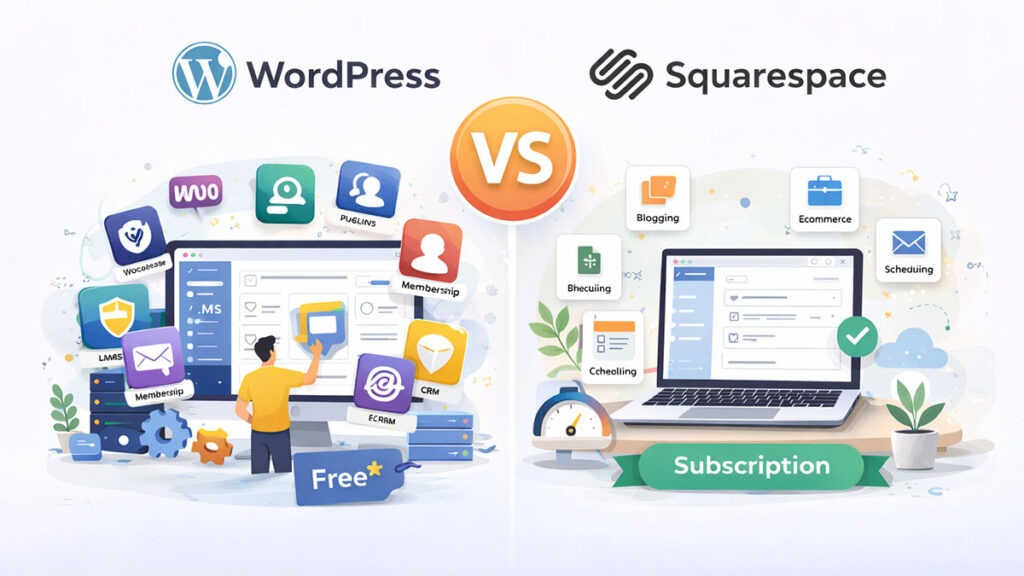
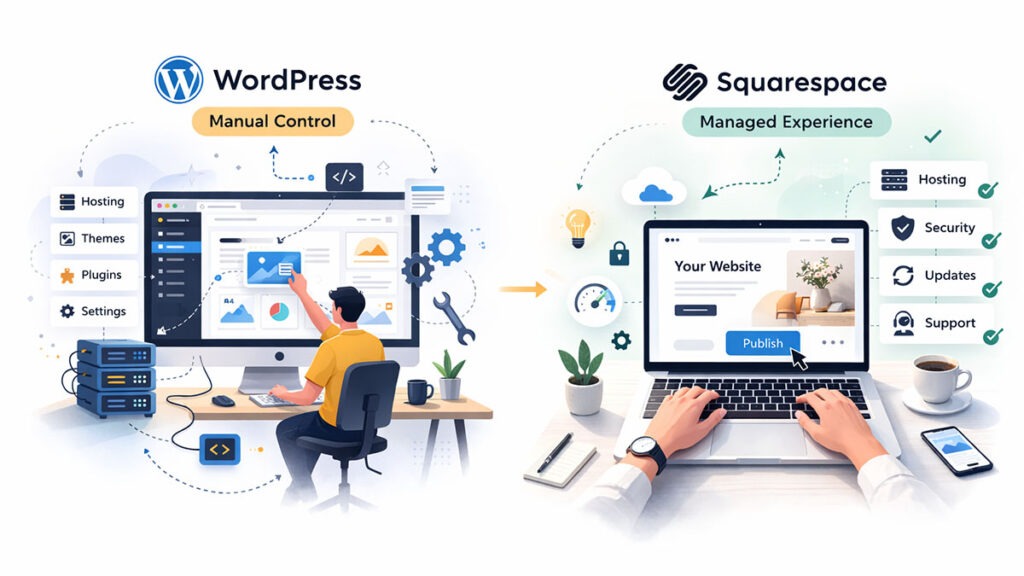
Squarespace is designed for simplicity. Everything is bundled — hosting, security, templates, updates. You focus on content. The platform handles the technical work.
WordPress is built for flexibility. It’s open source. You choose your hosting. You choose your tools. You control every layer.
One gives you guardrails.
The other hands you the keys.
So the real question isn’t:
Which platform is better?
It’s:
What kind of website owner are you?
The 30-Second Verdict (For Readers in a Hurry)
If you just want the quick answer:
Neither is objectively “better.”
They’re built for different types of users.
Key Takeaways
Here we’ll compare WordPress and Squarespace across everything that truly impacts your website’s success:
You’ll know which one aligns with your goals, skill level, and long-term plans.
WordPress vs Squarespace: Quick Comparison at a Glance
| Feature | WordPress | Squarespace |
|---|---|---|
| Ease of Use | Moderate learning curve with more setup and maintenance responsibilities | Extremely beginner-friendly with guided setup and managed environment |
| Design Flexibility | Nearly unlimited customization with themes, plugins, and custom code | Beautiful pre-designed templates with controlled customization |
| SEO Control | Advanced SEO control with plugins and server-level optimization | Strong built-in SEO tools but limited technical customization |
| Ecommerce | Highly scalable using WooCommerce and extensions | Built-in ecommerce ideal for small to medium stores |
| Pricing Structure | Flexible but variable costs depending on hosting and tools | Predictable monthly subscription pricing |
| Maintenance | User handles updates, backups, and security (or via managed hosting) | Fully managed — updates and security handled automatically |
| Ownership & Portability | Full ownership and easy migration between hosts | Platform-controlled ecosystem with limited portability |
| Scalability | Excellent for long-term growth and complex websites | Best suited for small businesses and creative sites |
| Best For | Bloggers, businesses, agencies, and scalable projects | Creatives, portfolios, local businesses, and beginners |
Ease of Use: Manual Control vs. Managed Experience
For many people, this is where the WordPress vs Squarespace decision is actually made.
Not SEO.
Not pricing.
Not scalability.
Just this:
How easy is it to build and manage a website every day?
Both platforms let you create professional websites without coding. But the experience behind the scenes feels completely different.
Squarespace: The Managed, “Stay Inside the Lines” Experience
Squarespace is designed to remove complexity.
When you start a Squarespace site, most technical decisions are already made for you:
You simply choose a template and start editing.
Its Fluid Engine editor allows drag-and-drop layout control while still maintaining structure. Elements snap into place, spacing stays balanced, and typography remains consistent.
That’s intentional.
Squarespace uses what you could call design guardrails. You get flexibility — but within limits that prevent layouts from looking messy or broken.
For beginners, this is reassuring.
You don’t need to think about servers, plugins, or compatibility issues. You focus on pages, images, and content while the platform handles everything else.
The result?
A smooth, low-stress website building experience.
WordPress: Powerful — But With a Learning Curve
WordPress takes a different approach.
Instead of managing everything for you, WordPress gives you control over nearly every part of your website.
Modern WordPress is far easier than it used to be. The Gutenberg block editor allows visual page building using blocks for text, images, buttons, columns, and layouts.
You can design pages visually without touching code.
But here’s the important distinction.
With WordPress, you’re also responsible for the infrastructure behind your site.
That usually includes:
None of these tasks are extremely difficult. Millions of beginners learn them every year.
However, together they create what many users experience as a learning curve.
You’re not just designing a website — you’re managing a system.
The Hidden Layer Most Beginners Don’t Expect
This is where the real difference appears.
Squarespace hides the technical layer.
WordPress exposes it.
For example:
That flexibility is powerful — but it also introduces responsibility.
Plugins need updates.
Themes need compatibility checks.
Occasionally, something conflicts.
It’s the trade-off for freedom.
My Tip: Making WordPress Feel Like Squarespace
Here’s something many beginners don’t realize.
You can dramatically simplify WordPress by using modern visual builders and block extensions like:
These tools add drag-and-drop editing, ready-made layouts, and visual styling controls — making WordPress feel much closer to an all-in-one builder.
But there’s a small caveat.
Page builders can:
So while WordPress can match Squarespace’s simplicity, it still requires a bit more awareness and setup.
Design & Templates: Flexibility vs. Curation
Once ease of use is out of the way, the next big question becomes obvious:
How good will my website actually look?
Because let’s be honest — visitors judge your website within seconds.
Design matters.
Brand perception matters.
And this is one area where both WordPress and Squarespace shine… but in very different ways.
Squarespace: Beautiful by Default
Squarespace has built its reputation around design.
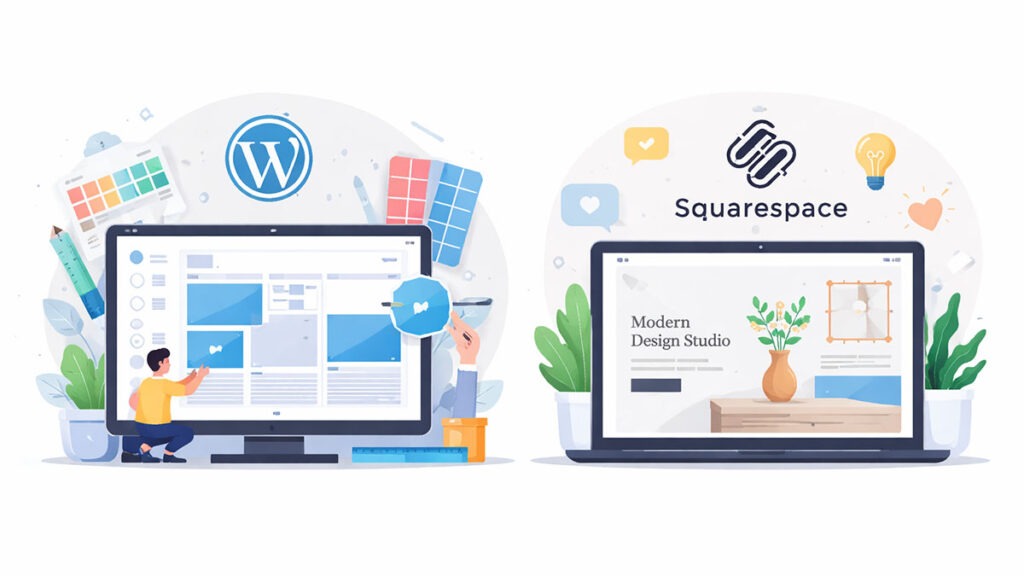
Its templates are clean, modern, and professionally curated. Typography, spacing, and layout balance are already optimized before you even start editing.
You don’t need design skills to make a Squarespace site look good.
That’s the magic.
Most templates follow strong visual principles:
This makes Squarespace especially popular among:
In short, it’s very hard to create an ugly Squarespace website.
But there’s a tradeoff.
Customization happens within a controlled system. You can adjust layouts, colors, and sections — but deep structural changes are limited compared to open platforms.
Squarespace prioritizes visual consistency over unlimited freedom.
WordPress: Unlimited Creative Freedom
WordPress takes the opposite approach.
Instead of curated templates, WordPress gives you access to an enormous ecosystem of themes — both free and premium.
There are thousands of options available, covering nearly every niche imaginable:
And unlike closed builders, WordPress allows deep customization through:
You’re not limited to predefined layouts.
You can redesign almost anything.
That flexibility is why agencies and developers heavily prefer WordPress.
A Major Advantage: Switching Designs Without Losing Content
Here’s an underrated difference many beginners discover too late.
On WordPress, your content and design are largely separate.
You can switch themes while keeping your posts, pages, and media intact.
That means you can completely redesign your website later without rebuilding everything from scratch.
With Squarespace, design and structure are more tightly connected. Changing templates or restructuring layouts often requires manual adjustments.
It’s not impossible — but it’s less flexible.
For long-term projects, this distinction matters.
The 2026 Trend: Full Site Editing (FSE) in WordPress
One of the biggest shifts in recent years is WordPress’s move toward Full Site Editing (FSE).
Instead of customizing only pages, you can now visually edit:
All inside the block editor.
This brings WordPress closer to the visual experience website builders offer — while still maintaining open-source flexibility.
The gap between “website builder simplicity” and “WordPress power” is shrinking fast.
SEO & Performance: The Race for Google’s Page 1
If you’re building a website today, visibility matters more than design.
Because even the most beautiful website fails if nobody finds it.
That’s why the WordPress vs Squarespace debate often turns into an SEO discussion.
And honestly?
There’s a lot of outdated advice floating around.
The Biggest Myth: “Squarespace Is Bad for SEO”
You’ve probably heard this before:
“Squarespace websites can’t rank on Google.”
That used to be partially true years ago.
It isn’t anymore.
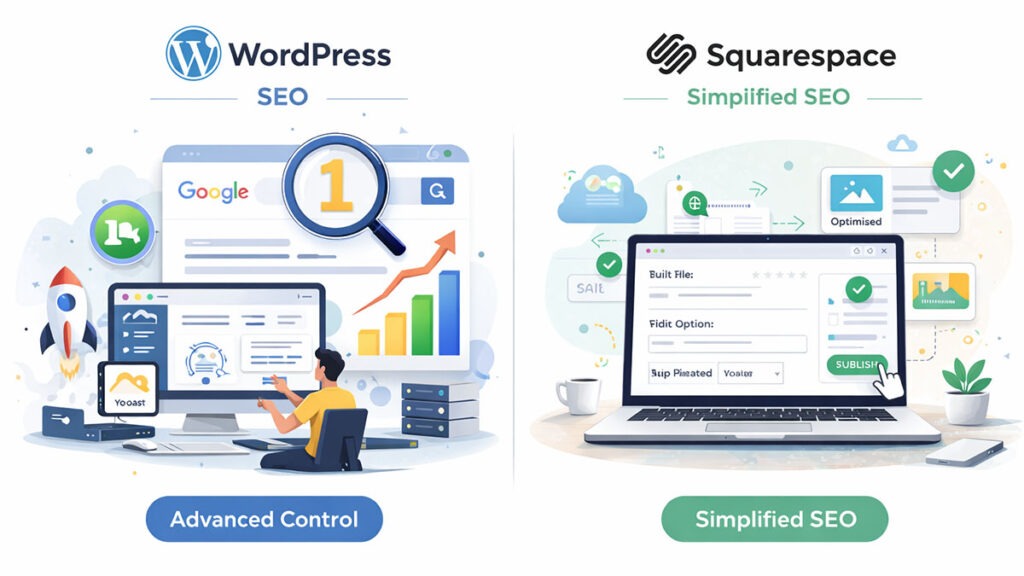
Squarespace now includes solid built-in SEO features right out of the box:
For small businesses, portfolios, and local websites, this is often more than enough.
Many Squarespace sites rank perfectly well — especially for local SEO and service-based searches.
So the platform itself isn’t the limitation.
The difference appears when you want deeper control.
Where WordPress Pulls Ahead
WordPress is widely considered the gold standard for SEO — not because it magically ranks better, but because it gives you complete optimization freedom.
With WordPress, you can control:
Plugins like Yaost SEO and Rank Math allow granular optimization that goes far beyond basic settings.
You’re not limited to what the platform provides.
You can customize almost everything.
That flexibility becomes critical for:
Site Speed: Managed Stability vs Custom Performance
Speed plays a direct role in rankings and user experience.
Here’s where philosophy matters again.
Squarespace Performance
Squarespace runs on fully managed infrastructure.
You don’t choose servers or configure caching — optimization happens automatically.
This results in:
The downside?
You can’t deeply optimize performance beyond platform limits.
You’re trusting Squarespace’s infrastructure decisions.
WordPress Performance
WordPress performance depends heavily on your setup.
A poorly hosted WordPress site can feel slow.
But a well-optimized one can be extremely fast.
Performance improvements may include:
Squarespace gives predictable speed.
WordPress gives customizable speed.
Core Web Vitals & Technical Control
Google increasingly evaluates websites using metrics like:
Squarespace handles these automatically to a reasonable standard.
WordPress allows deeper tuning — but only if configured properly.
This is why experienced site owners often prefer WordPress.
Optimization potential is higher.
But responsibility is higher too.
Real-World SEO Verdict
Let’s simplify things.
Choose Squarespace if:
Choose WordPress if:
Both platforms can rank.
The difference lies in how far you want to push optimization.
Features & Extensibility: The “Plugin” Factor
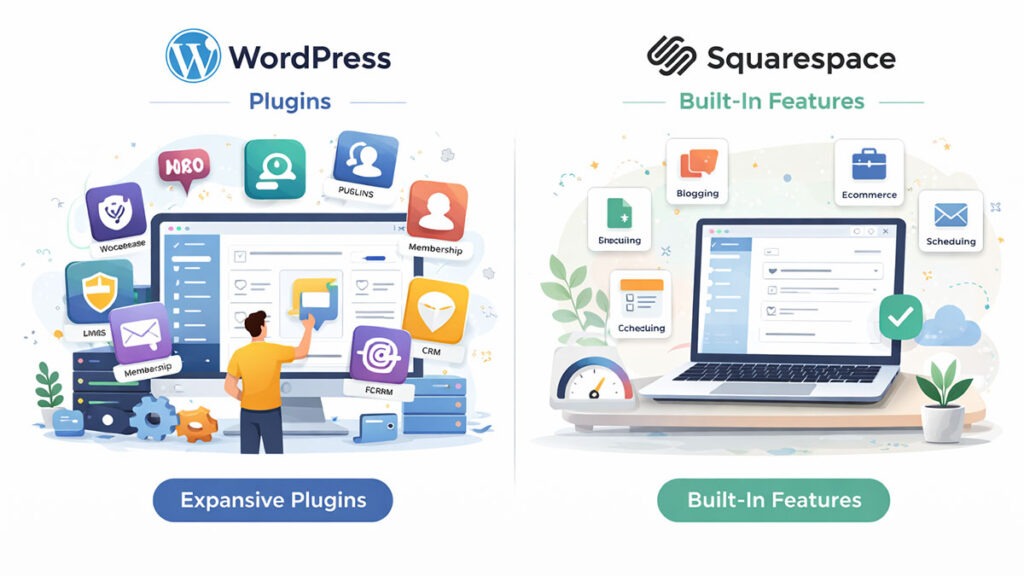
At some point, almost every website owner wants more than just pages.
Maybe you want:
This is where the WordPress vs Squarespace difference becomes dramatic.
WordPress: If You Can Dream It, You Can Build It
WordPress runs on an ecosystem model.
Instead of bundling everything into one core system, WordPress relies on plugins to extend functionality.
And there are a lot of them.
Over 60,000 plugins exist in the official directory alone — not counting premium tools.
That means you can add features like:
Need something specific?
Chances are, there’s already a plugin for it.
And if there isn’t — a developer can build one.
This makes WordPress incredibly powerful for:
The flexibility is unmatched.
But — and this matters — flexibility introduces complexity.
More plugins mean more updates, potential compatibility conflicts, and more performance considerations.
WordPress gives you power.
But you manage that power.
Squarespace: The “All-in-One” Promise
Squarespace takes the opposite approach.
Instead of offering thousands of add-ons, Squarespace builds most essential features directly into the platform.
Out of the box, you get:
Everything works together seamlessly.
There’s no worrying about plugin conflicts or version compatibility.
The tradeoff?
You’re limited to what Squarespace chooses to offer.
If you need highly specialized functionality, you may hit platform limitations faster than on WordPress.
E-commerce: Scaling vs Simplicity
This deserves its own spotlight.
WordPress + WooCommerce
When you pair WordPress with WooCommerce, you unlock extremely powerful ecommerce capabilities.
You can:
Large ecommerce stores often prefer WordPress because of this flexibility.
But it requires setup and optimization.
Squarespace Commerce
Squarespace offers built-in ecommerce features that are:
For small to medium stores — especially those selling physical products, digital downloads, and creative goods.
It works beautifully.
You don’t worry about extensions or compatibility.
But at larger scale — complex product catalogs, custom workflows, advanced integrations — WordPress tends to offer more flexibility.
Plugin Conflicts vs Platform Limits
Here’s the philosophical summary:
WordPress risk:
Plugin conflicts and configuration mistakes.
Squarespace risk:
Hitting a feature ceiling.
WordPress gives you infinite extension potential.
Squarespace gives you streamlined predictability.
So the real question becomes:
Do you prefer controlled simplicity?
Or expandable power?
The Pricing Breakdown: Hidden Costs in 2026
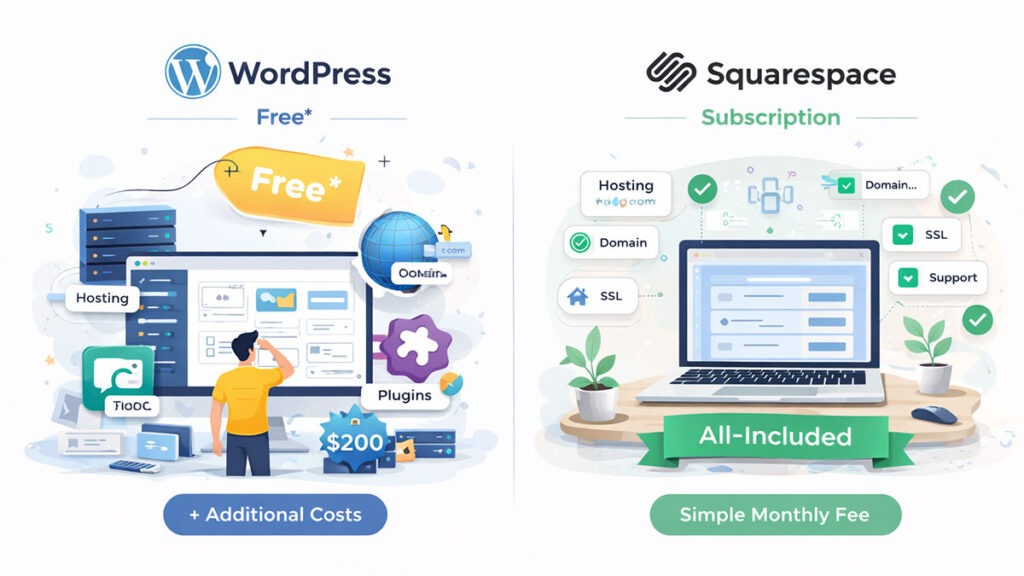
At first glance, pricing between WordPress and Squarespace seems simple.
One is “free.”
The other is subscription-based.
But the reality is a bit more nuanced.
Because the true cost of a website isn’t just the platform — it’s everything that runs behind it.
Let’s break it down.
Squarespace: Predictable Monthly Pricing
Squarespace follows a straightforward subscription model.
You pay a monthly fee, and almost everything is included:
As of 2026, most users fall into these general pricing tiers:
| Plan | Typical Use Case | Approximate Price |
|---|---|---|
| Personal | Basic websites or portfolios | ~$16/month |
| Business | Small business sites | ~$23/month |
| Commerce | Online stores | ~$27–$52/month |
The benefit here is predictability.
You know exactly what you’re paying each month, and you don’t have to worry about additional infrastructure costs.
However, some advanced capabilities — like deeper integrations or custom functionality — may still require external tools.
WordPress: “Free” Software With Flexible Costs
WordPress itself is free and open source.
But running a WordPress website usually involves several additional costs.
Typical expenses include:
The Hidden Cost: Time
There’s another cost people rarely mention.
Time.
Squarespace saves time because it manages infrastructure for you.
WordPress can require time for:
For hobby sites, this may not matter.
For businesses, time spent maintaining a site can translate into real operational cost.
Example: 3-Year Cost Comparison
Let’s compare a typical small business website over three years.
| Cost Category | WordPress (Estimated) | Squarespace |
|---|---|---|
| Hosting | $8/mo → ~$288 | Included |
| Domain | ~$45 | ~$45 |
| Theme / Builder | ~$150 | Included |
| Plugins | ~$200 | Included |
| Platform Fee | Free | ~$828 |
| Total (3 Years) | ~$683 | ~$873 |
These numbers vary widely depending on tools and hosting choices.
But they highlight an important point.
WordPress can be cheaper — if you manage it yourself.
Squarespace often costs more — but includes everything in one predictable package.
Pricing Verdict
Choose Squarespace if you prefer:
Choose WordPress if you prefer:
The cheapest option depends less on the platform — and more on how you build your site.
Ownership and Portability: The “Exit Strategy”
When choosing a website platform, most people think about design, pricing, or ease of use.
Very few think about what happens if they want to leave.
But this question matters more than it seems.
Because your website isn’t just a design — it’s your content, audience, SEO rankings, and digital asset.
And the platform you choose determines how much control you truly have over it.
WordPress: You Own the House
WordPress is open source.
That means no single company owns the platform.
When you build a self-hosted WordPress website:
If you want to move your website to another host, you can.
If you want to redesign your site completely, you can.
If you want to export all your content and migrate somewhere else, you can.
In other words:
WordPress websites are portable.
This is why many businesses, publishers, and large content sites prefer WordPress.
It protects long-term independence.
Squarespace: Renting a Very Nice Apartment
Squarespace works differently.
Squarespace is a closed platform.
Your website lives entirely inside its ecosystem.
That’s not necessarily a bad thing.
It allows Squarespace to:
But it also means your site is tightly connected to the platform.
If you decide to leave Squarespace later, migrating your site can be challenging.
You can export some content — like blog posts and basic pages — but elements such as:
Often need to be rebuilt manually on the new platform.
This is what many people call the “walled garden” effect.
Why the Exit Strategy Matters
At the beginning of a project, migration feels unlikely.
But websites evolve.
Businesses grow.
Brands re-design.
Platforms change.
And sometimes you simply outgrow your original setup.
When that happens, portability becomes extremely valuable.
WordPress gives you that freedom.
Squarespace prioritizes stability and convenience — but at the cost of flexibility when leaving.
Which One Should You Choose? (The 6-Question Decision Guide)
After comparing design, SEO, pricing, features, and ownership, the WordPress vs Squarespace decision becomes much clearer.
But if you’re still unsure, here’s a quick way to decide.
Ask yourself these six questions.
Your answers will usually point you in the right direction.
Quick Recommendation
To summarize everything we’ve discussed:
Choose Squarespace if you want:
Choose WordPress if you want:
Both platforms can create excellent websites.
The best choice simply depends on how you want to build and manage your online presence.
Final Verdict: WordPress vs Squarespace
So, which platform should you choose — WordPress or Squarespace?
The truth is, there’s no single winner.
Both platforms are excellent. They’re simply built for different types of website owners.
If you want a website that’s easy to set up, visually polished, and requires minimal maintenance, Squarespace is a great choice. It handles the technical work behind the scenes, allowing you to focus on content and design.
If you want maximum flexibility, deeper SEO control, and the ability to scale your website over time, WordPress is usually the better long-term option. It requires a bit more involvement, but the level of customization and ownership is hard to match.
In the end, the best platform is the one that fits your goals, technical comfort level, and long-term plans.
Choose the tool that feels right for you — and focus on building a website that truly serves your audience.
Frequently Asked Questions (FAQs)
Is WordPress better than Squarespace?
It depends on your needs.
WordPress is generally better if you want full control, advanced SEO tools, and the ability to customize your website with plugins and themes.
Squarespace is better if you prefer an all-in-one website builder that handles hosting, security, and updates automatically. Many beginners choose Squarespace because it’s easier to manage.
Which platform is better for SEO: WordPress or Squarespace?
Both platforms support strong SEO fundamentals.
You can optimize page titles, meta descriptions, URLs, and images on either platform. However, WordPress provides deeper technical SEO control through plugins and hosting customization.
Squarespace works well for basic SEO, but WordPress is often preferred for content-heavy sites, blogs, and competitive niches.
Is Squarespace easier to use than WordPress?
Yes, for most beginners.
Squarespace is designed as an all-in-one platform with built-in hosting, templates, and tools. This makes the setup process simple and straightforward.
WordPress offers more flexibility but typically requires additional setup such as choosing hosting, installing themes, and managing plugins.
Can I move my website from Squarespace to WordPress?
Yes, but the process can require some manual work.
You can export content like blog posts, pages, and images from Squarespace and import them into WordPress. However, design layouts, styling, and certain features usually need to be recreated manually on the new platform.
For large websites, migration tools or professional help may be useful.
Is WordPress cheaper than Squarespace?
It can be — but it depends on how you build your site.
WordPress itself is free, but you’ll still pay for hosting, a domain name, and sometimes premium themes or plugins.
Squarespace uses a subscription model that includes hosting, templates, and support in one monthly fee. Because everything is bundled, pricing is more predictable.
Which platform is better for blogging?
WordPress is generally considered the stronger platform for blogging.
It was originally built as a blogging system and offers advanced content management features, plugins, and SEO tools designed for publishing.
Squarespace supports blogging as well, but WordPress provides more flexibility for content-heavy websites.
Can beginners use WordPress?
Yes — millions of beginners start with WordPress every year.
While there is a small learning curve, modern tools like the block editor and visual page builders make WordPress much easier to use than it was in the past.
With a good theme and hosting provider, beginners can create professional websites without coding.